How to Sign Up for eAgendas and Get 15 Free Trial Days
Discover 15 free trial days! Explore all the features of eAgenda with no commitment and enjoy 15 days of free access to test how it can transform your calendar management and optimize your time. Sign up now and try the full platform!
Want to learn more? Also check out our Available Plans.
Step by Step to Sign Up for eAgenda
Access the eAgenda Website
After accessing the website, click the Access button.

Create Your Account
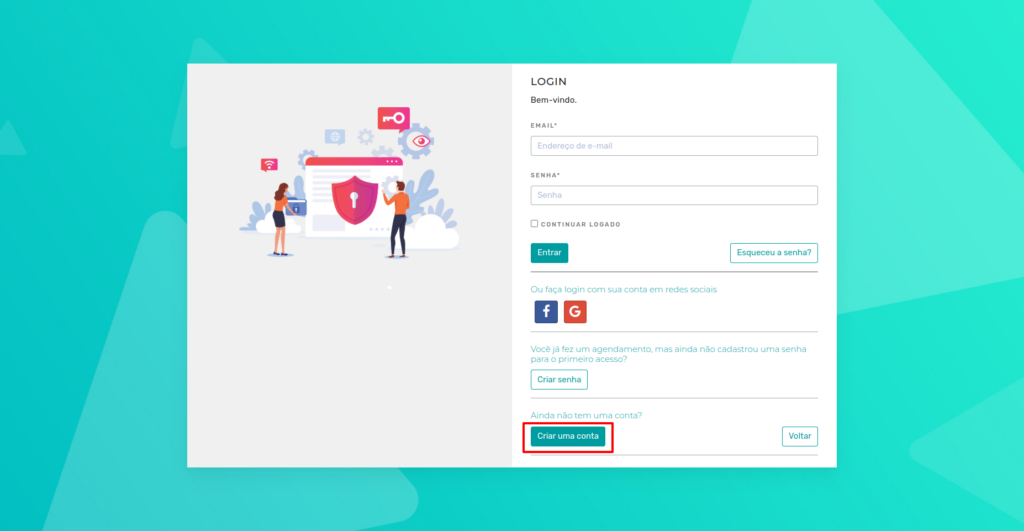
On the login page, you will find several options. To get started, click Create an account.
Fill in Your Personal Details
- When you click Create an account, a screen will appear for initial setup.
- In this step, you will create a professional account, allowing your clients to book appointments for services.
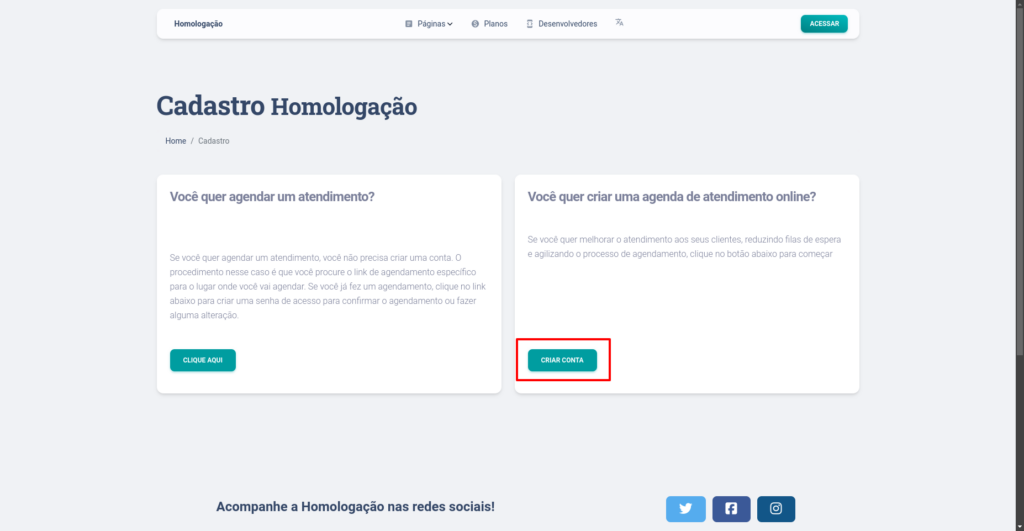
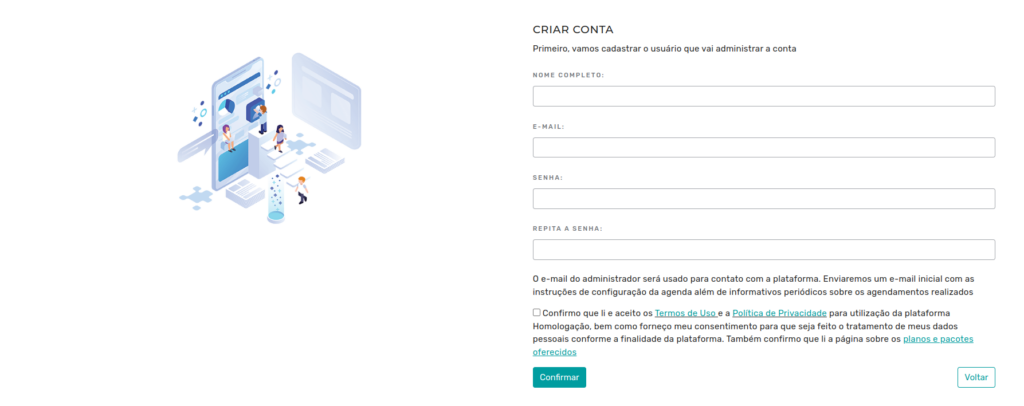
- After clicking Create Account, form fields will appear for you to fill in your personal details. This information will be important for future logins.
Confirm Your Details
- After filling in all the fields, click Confirm to proceed.
Your Business Details
- On the next screen, enter your business details. This information is essential to ensure your profile is set up correctly and that your clients can view your details in a clear and professional manner.
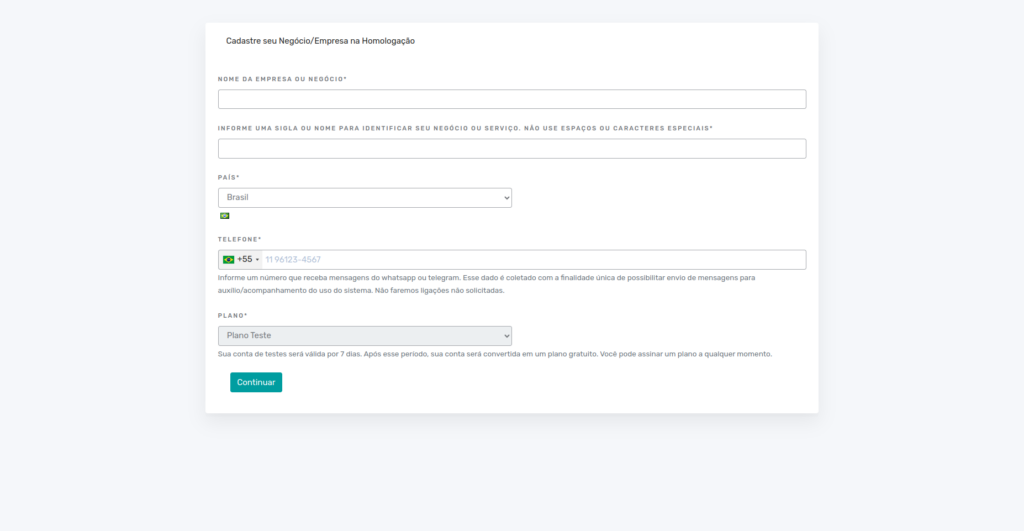
- After filling in the fields, click Continue to complete the registration.
Conclusion
After completing the registration, you will be directed to the platform’s home screen. Now, simply perform the initial setup to start using eAgenda.
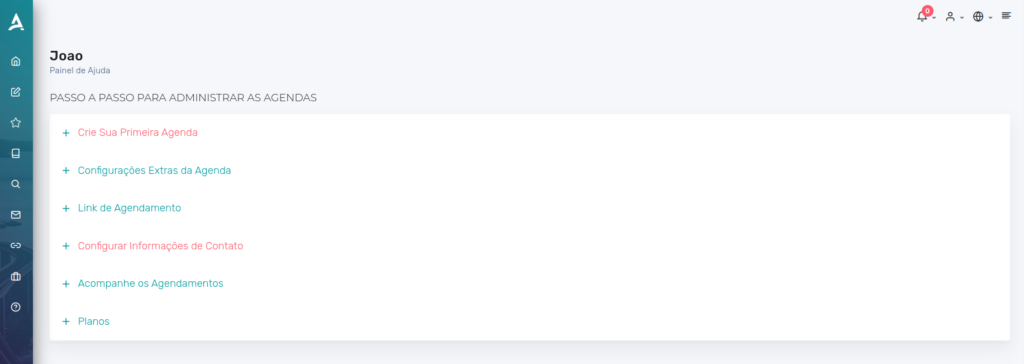
In summary, in this tutorial you learned how to sign up for eAgenda. With the platform, you can manage appointments for your clients in a practical and efficient way. Take the opportunity to explore our Blog to answer other questions, or watch the videos on our YouTube channel.
Mupi Systems offers a range of technology solutions for all types of businesses. Discover our platforms that bring innovation to the market.